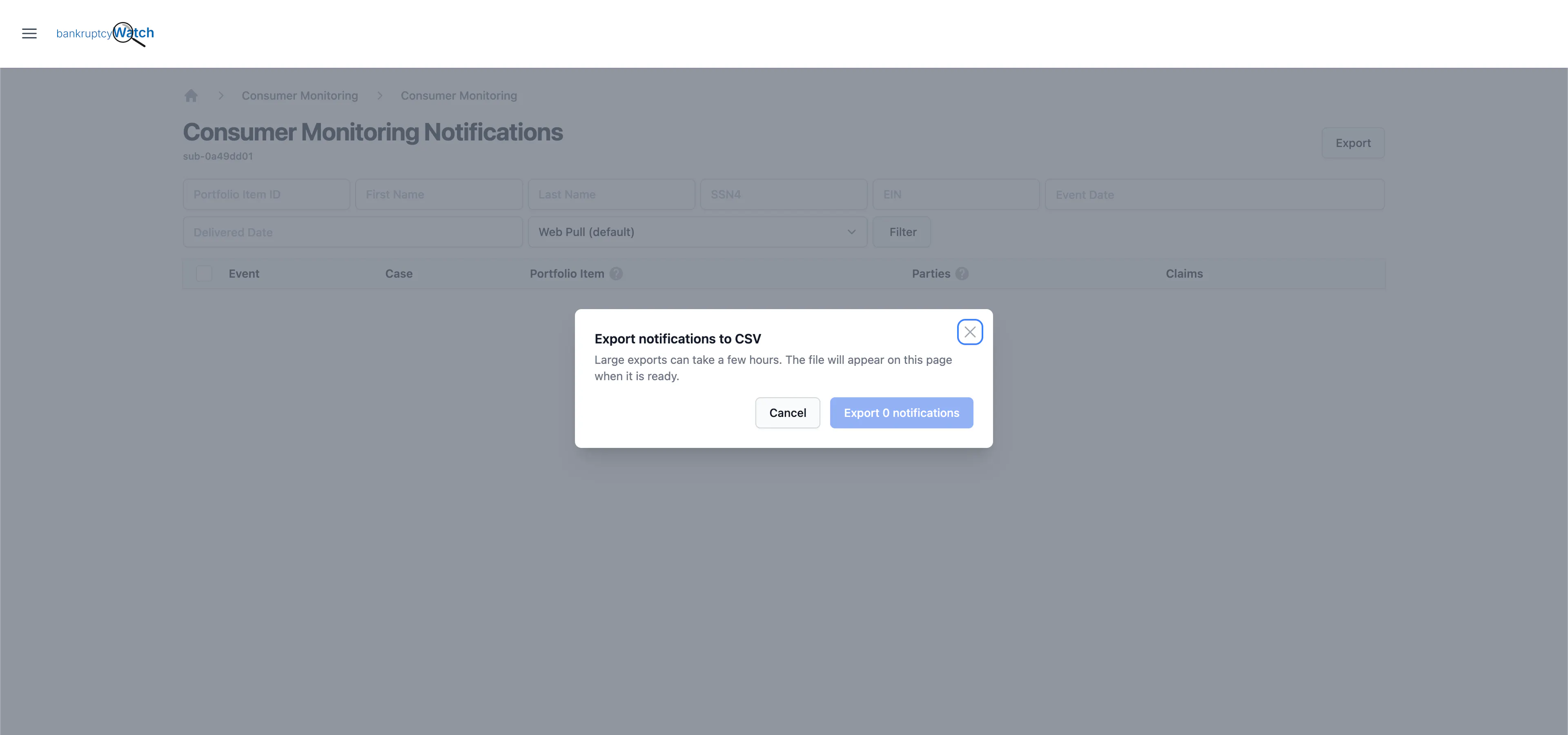
We’ve enhanced notification export on the BankruptcyWatch Platform.
You’ve always been able to export your bankruptcy notifications to a CSV. Now it’s much easier. Whether you use the BankruptcyWatch Platform directly or through one of our integration partners’ platforms, you can filter your notifications by date and export them in the same format as your SFTP preferences.
That includes the bankruptcy case notifications you already receive, like new filings and case updates from federal bankruptcy courts.
We made this improvement with your existing setup in mind. Instead of a file you’d have to reformat, the export now matches the way you already receive notification data from us over SFTP. That makes it easier for your systems and ours to work together, and makes processes like an end-to-end scrub much smoother.
Your Data On Your Terms
Need to look at a specific stretch of time? Filter by date and export exactly the window you care about, whether it’s last week or the last few months. Instead of sorting through everything, you start with only the notifications that matter for what you’re working on.
And because every export matches your SFTP preferences, it’s ready to bring into your existing processes.
Where Teams Are Putting It To Work
There are plenty of reasons to export your notifications. Here are two common ones.
Onboarding is a good example. Many teams need to run a scrub outside the system as part of getting set up. With exports that already match your SFTP format, you can run that scrub end to end without reworking the data first.
Audits are another. Your internal systems won’t always run perfectly, and when something goes wrong on your end, you need to know what you might have missed. If your system went down for two months, you can filter to that exact window and export the notifications from that period. You get a clear view of what came in while your system was offline, so you can review it and make sure nothing slipped through.
How to Export in the BankruptcyWatch Platform
- Log in to the BankruptcyWatch Platform
- Open the ☰ menu and select Portfolios.
- Click Notifications next to the portfolio you want to export.
- Optionally, filter the list and click Filter. Only notifications matching your filters will be exported.